Xbox Insiders Can Now Play Game Pass Titles via Cloud While Console Updates Download
By CriticalPixel ·
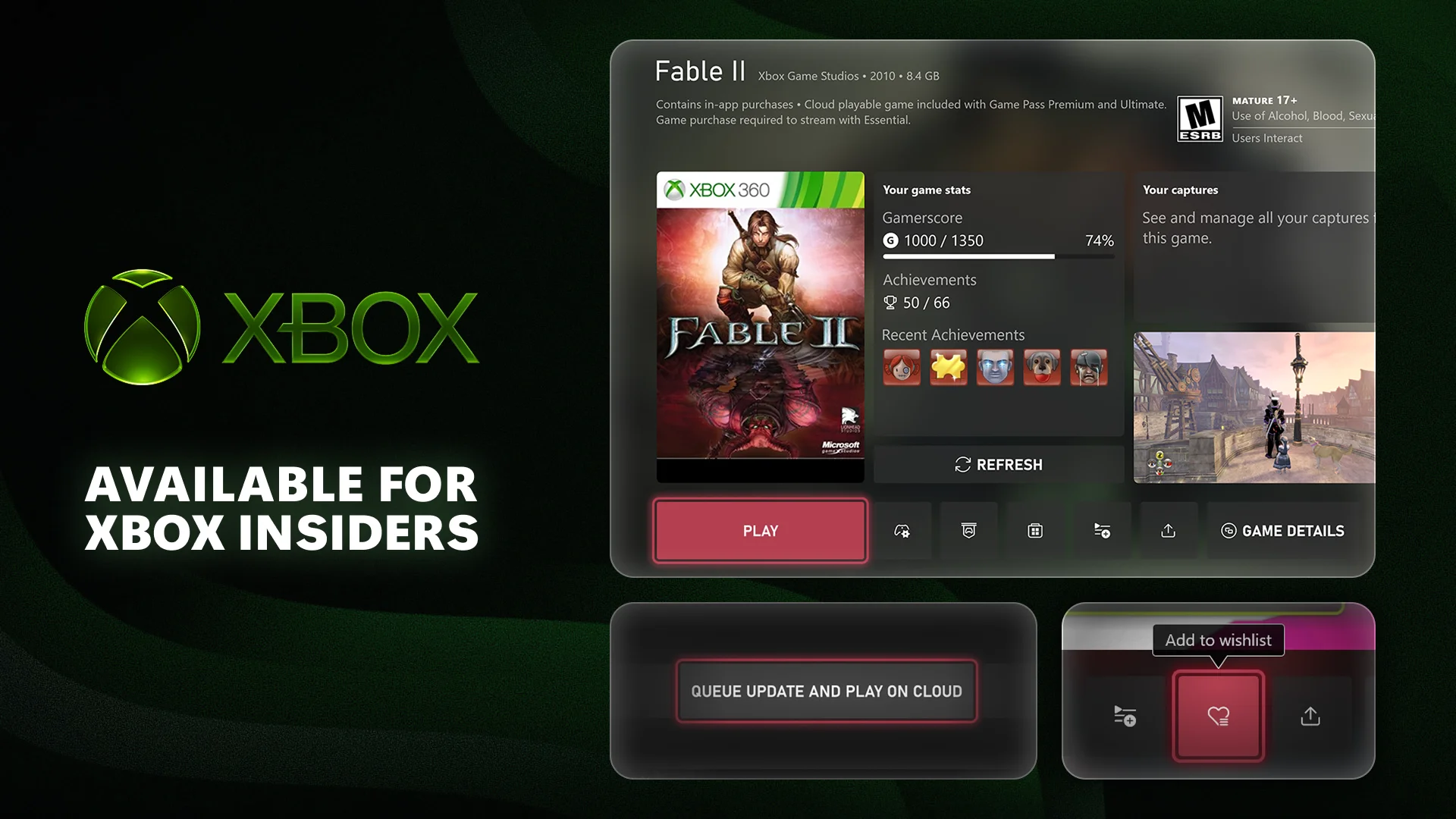
Microsoft is shipping a feature Xbox owners have been begging for since the day consoles went online. Starting today, Xbox Insiders in the Alpha Skip-Ahead ring can preview a Game Pass-powered workaround for the single most hated part of console gaming: staring at a progress bar while a 40 GB update downloads before you can press Start. The change rolls out alongside a stack of smaller quality-of-life fixes that the Xbox team has been sitting on for years, and together they amount to the most user-friendly console update Microsoft has shipped in a long time.
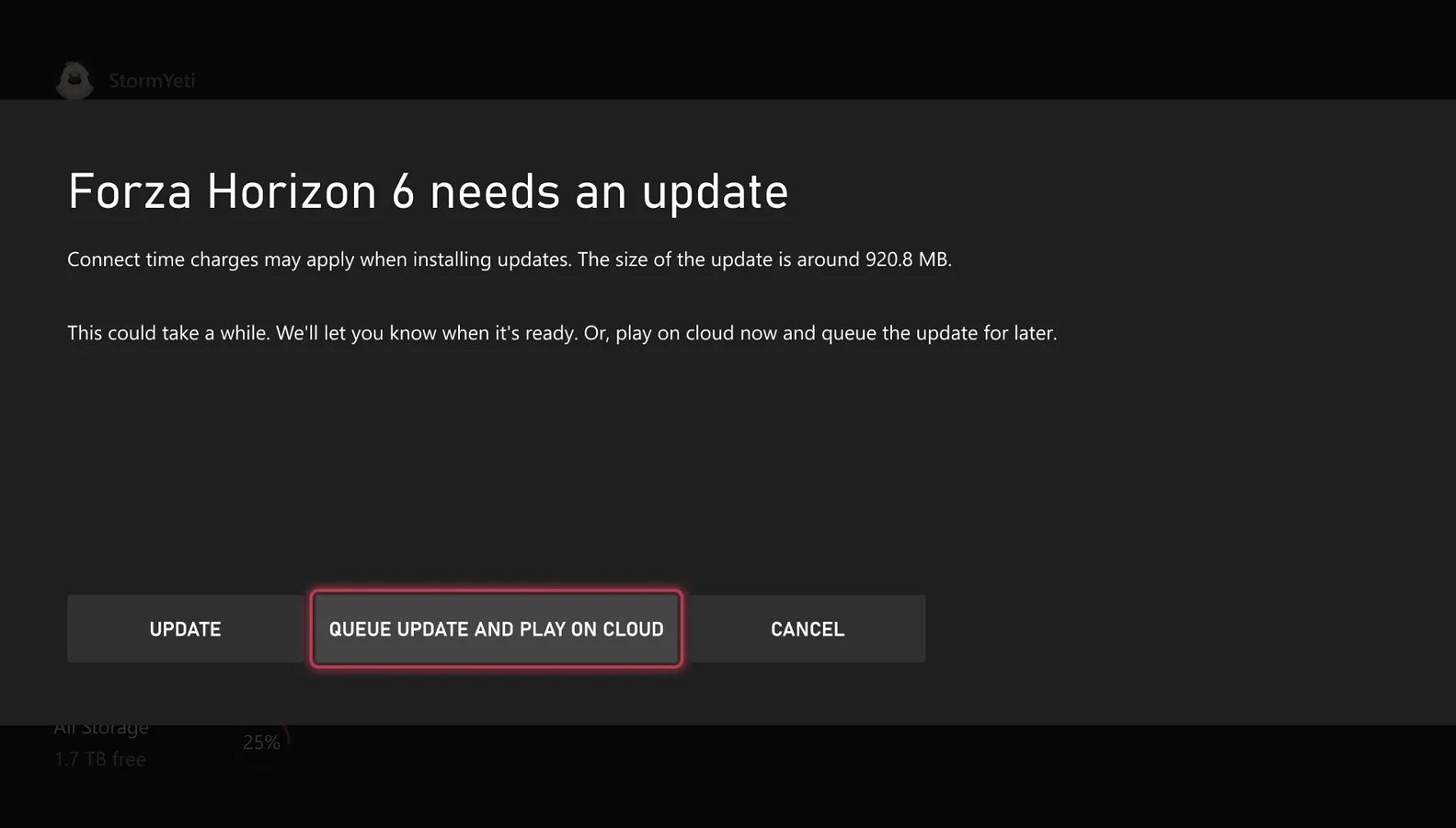
Cloud Streaming Kills the Update Wait
The headline feature is straightforward and overdue. When you boot a game and it tells you an update is required, Xbox will now let you jump straight into a cloud-streamed version of the title through your Game Pass membership while the local download finishes in the background. You will also see a play-with-cloud option on the game card itself whenever a title is installing or updating. Less waiting, more playing, no need to fire up the laptop just to kill 25 minutes on Call of Duty patch night.
The catch is the usual one for cloud play. If your home network cannot sustain a stable 1080p stream, you are going to get a fuzzy image and input lag until the local download finishes. Microsoft is not promising miracles here, just a way to use the bandwidth and the Game Pass subscription you are already paying for in parallel with the patch you would otherwise have to sit on. The Insider ring is the first real test of how viable that parallel experience is on a real home connection, and the early response from Insiders will decide how aggressive Microsoft gets with the rollout.
15-Character Gamertags Are Back
Unique gamertags now support up to 15 characters, up from the 12-character ceiling Microsoft imposed when it unified Xbox Live and the original Gamertag system years ago. The new limit only applies to gamertags that are unique and available, so you still cannot squat CrashBandicoot64, but you can finally fit a longer handle without being forced into the suffix-with-numbers workaround. Gamertags that are non-unique or contain non-Latin characters still max out at 12 and keep their numeric suffix, which is going to frustrate the people who actually needed more room and got nothing in this round.
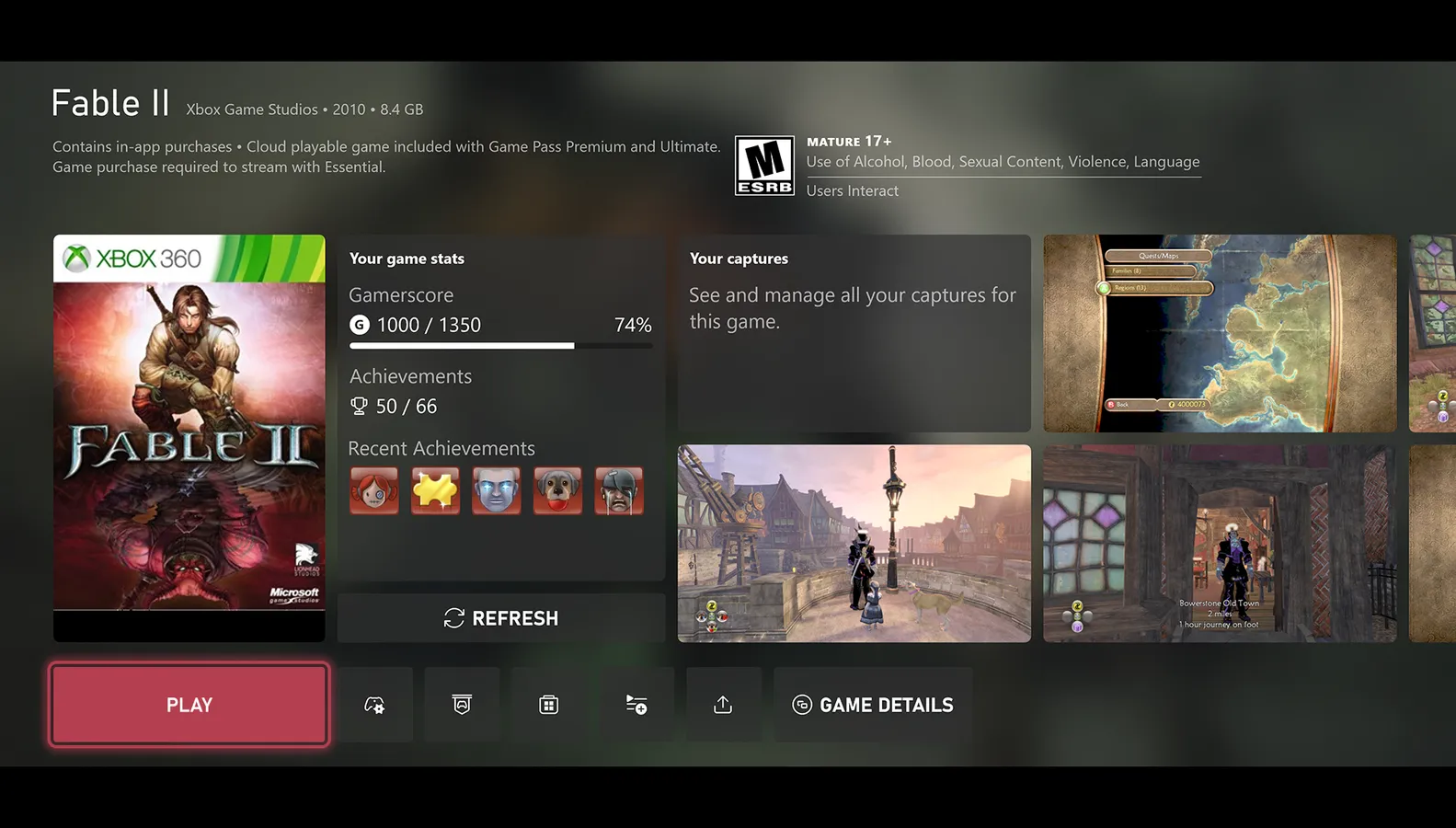
Xbox 360 Achievements Land in Game Hubs
The third change is the one retro-completionists will care about. Game hubs inside game cards now surface achievement progress, captures, and other useful information for installed Xbox 360 games. You will also get detailed achievement popups from any 360 title in your profile. Backward compatibility has been a mess of side-loaded metadata for years, and this is a small, sensible step toward making the old library feel like a first-class citizen again on Series X and Series S instead of a tacked-on afterthought.
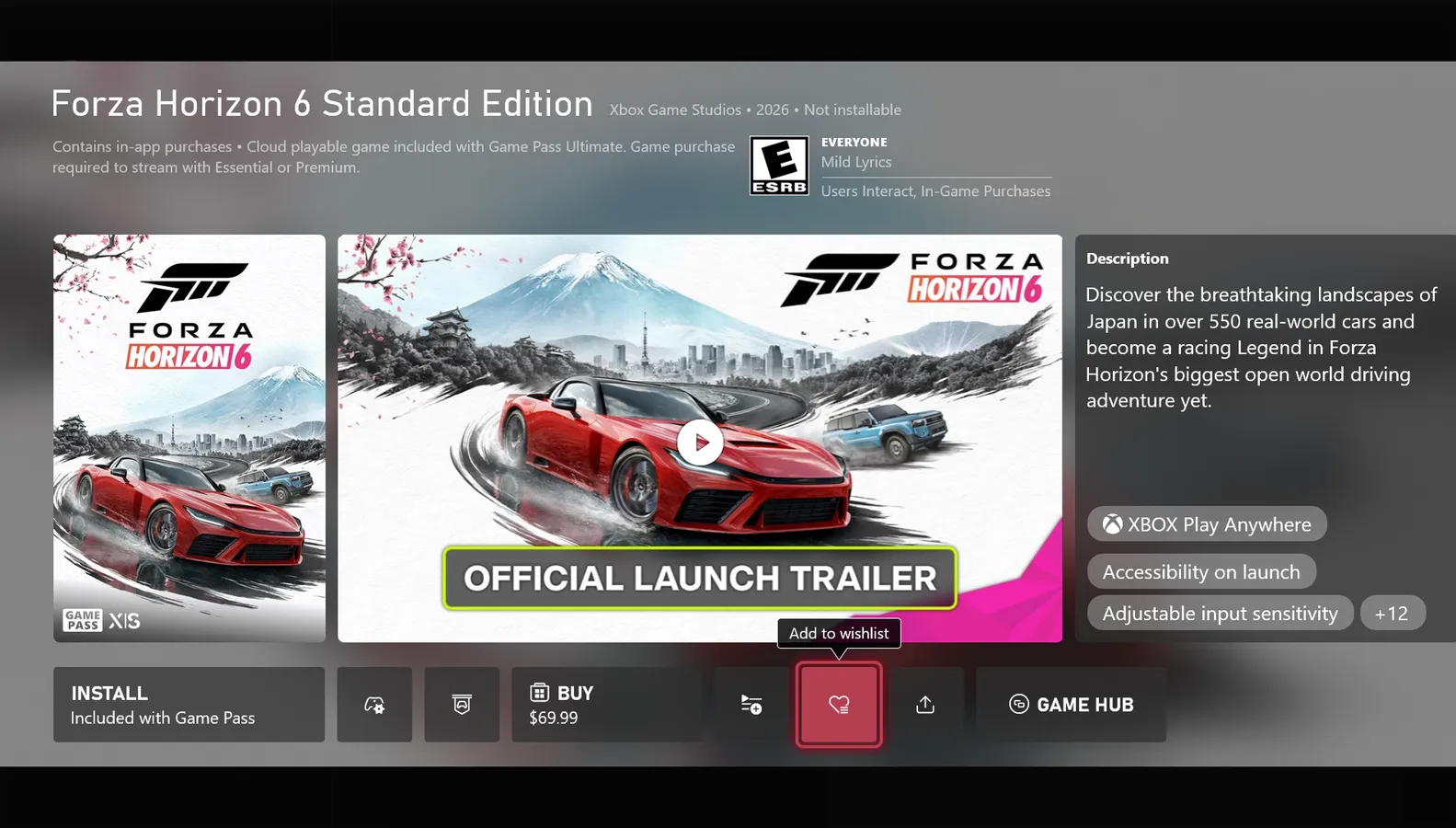
Wishlist Any Title Straight From the Game Card
Rounding out the update, Microsoft is letting you add any game to your wishlist directly from the game card, including upcoming releases that do not yet have a release date set in stone. That pairs with the broader wishlist improvements Microsoft shipped in the July Insider wave, and it finally turns the game card into the one place you actually need to go to track what you want to play. It is a small change on paper and a real one if you have ever lost track of an announced title in the Store because the only way to bookmark it was deep inside the listing.
How Xbox Insiders Get the Update
All four changes start in the Alpha Skip-Ahead ring today, with additional Insider rings to follow in the coming weeks. The full public rollout is not on a public timeline yet, but Microsoft has been moving through Insider rings faster than usual, so a public release before the end of summer looks likely. The Xbox Insider Hub app on console and Windows PC is the entry point if you want to volunteer as a guinea pig and report back on how the cloud-during-update feature actually performs on a real home network.
Community Reaction
The reaction on Twitter is overwhelmingly positive. Klobrille's summary post of the four changes pulled in more than 3,000 likes and 237 reposts, and Plume Gaming summed up the mood with a flat this is awesome, I have been wanting this for a long time. That kind of consensus is rare for any Microsoft Xbox update, and it tells you the company picked the right friction to fix. The negative voices are a small minority asking why this took a decade and why the same trick is not available on PS5 or Switch, which is a fair question that Sony and Nintendo have no excuse to ignore once Xbox ships it widely.
The CriticalPixel Take
None of this is going to make anyone buy an Xbox Series X instead of a PS5, and that is fine. What it is going to do is make the day-to-day experience of owning one noticeably less painful, which is the part Microsoft has been worst at for the last five years. The cloud-during-update feature alone is a real quality-of-life win for anyone who has ever lost an evening to a forced patch, and pairing it with longer gamertags, a proper 360 achievement surface, and a saner wishlist is the kind of maintenance work Xbox needed. It is not exciting, it is not a system seller, but it is the kind of update that makes people less likely to regret buying the console in the first place.
If you are already in the Xbox Insider Alpha Skip-Ahead ring, the update should be live today. If you are not, this is a good week to enroll via the Xbox Insider Hub on console or PC, because at least one of these four features is going to quietly fix something that has annoyed you for years. Microsoft did not need to make a splash, it just needed to ship a sensible update, and for once it did.